
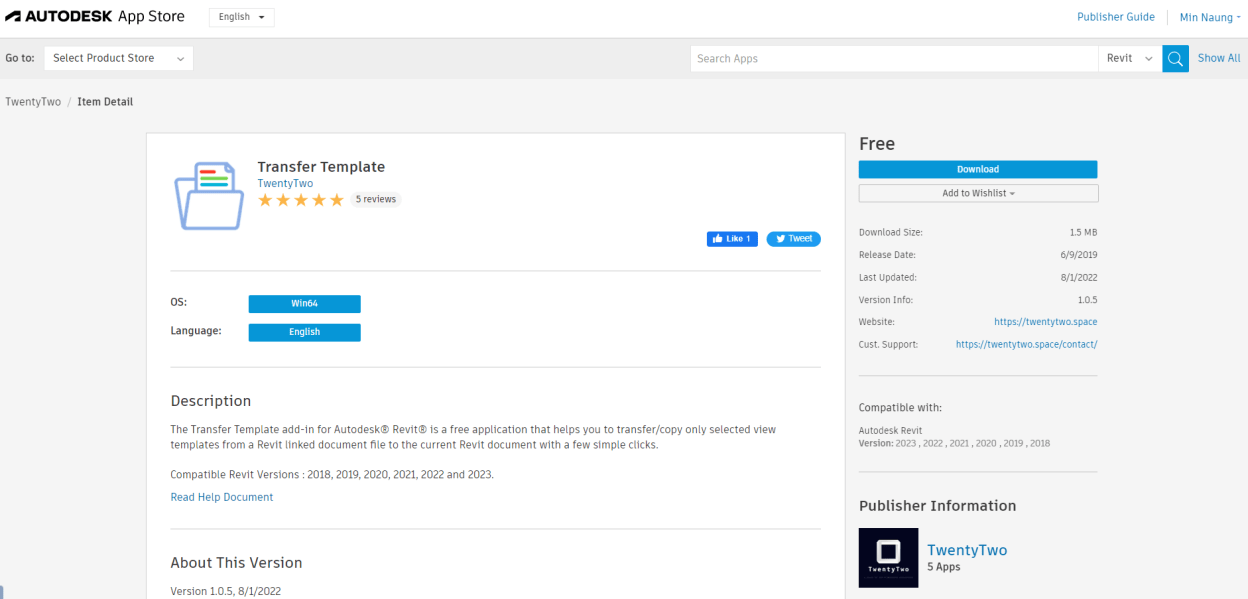
Transfer Template Autodesk® Revit® Add-Ins is a free application which helps you to transfer/copy only selected view templates from a Revit linked document file to the current document with a few simple clicks.
For Usage :
- Select a linked document from the dropdown panel.
- Select/Check the template views from the template views list. (Optional to omit filters, by default is included/checked) .
- Click Ok to transfer.
(For Revit 2025) Autodesk App Store Download : https://apps.autodesk.com/RVT/en/Detail/Index?id=1809785843726173503&appLang=en&os=Win64
(For Revit 2024 & Below) Installer Download : https://drive.google.com/file/d/14hhrrYz7SqhN3wh2KXfXDkEgFssUYVsY/view?usp=drive_link
 TwentyTwo
Hi, I selected linked document but dropdown panel shows empty. How can I fix this problem?
LikeLike
Hi AYS, just make sure you have View Template(s) in Linked document.
LikeLike
hello,
I do have view templates, but the panel shows empty also in my case. I have revit 2023. Any ideas?
LikeLike
Make sure you have the Linked document & View Template(s) in the Linked document.
LikeLike
Amazing tool
LikeLiked by 1 person
yes, of course ;D
LikeLike
Hello, I have installed this add in and run it with no issues. However, when transferring the correct view template, all the settings reset to default on completion. All of the links have been selected and everything is set to Host View instead of Custom. Any suggestions?
LikeLike
Hi FTI, Linked model display settings will not be transferred and these settings are not attached to transferred template. Maybe one the API limitation.
LikeLike
Hi there
Thanks for the great tool.
Is there a way to override the exsiting view template in the model instead of adding a new?
BR
Vivian
LikeLike
Hi Vivian, thanks. Currently there is no functionality to override the existing view template.
LikeLike
How I can add the template I need into linked document list? My dropdown panel is empty!
LikeLike
Does this allow me to transfer templates / view templates from newer revit proyects to older version revit proyects?
LikeLike
Hi bro,
I have noticed that the new version of “Transfer template” works with only 2025 version of Revit. May I ask if you still have the old exe setup file that supports up to Revit 2024?
LikeLike
Hi Phyo Aung Khant, send a contact form here: https://twentytwo.space/contact to get older version installer downloadable link.
LikeLike
(For Revit 2024 & Below) Installer Download : https://drive.google.com/file/d/14hhrrYz7SqhN3wh2KXfXDkEgFssUYVsY/view?usp=drive_link
LikeLike
Hi, is Transfer Template available for REVIT 2026.?
LikeLike
Hi Nikki, sorry not available yet. Probably next month 🙂
LikeLike