
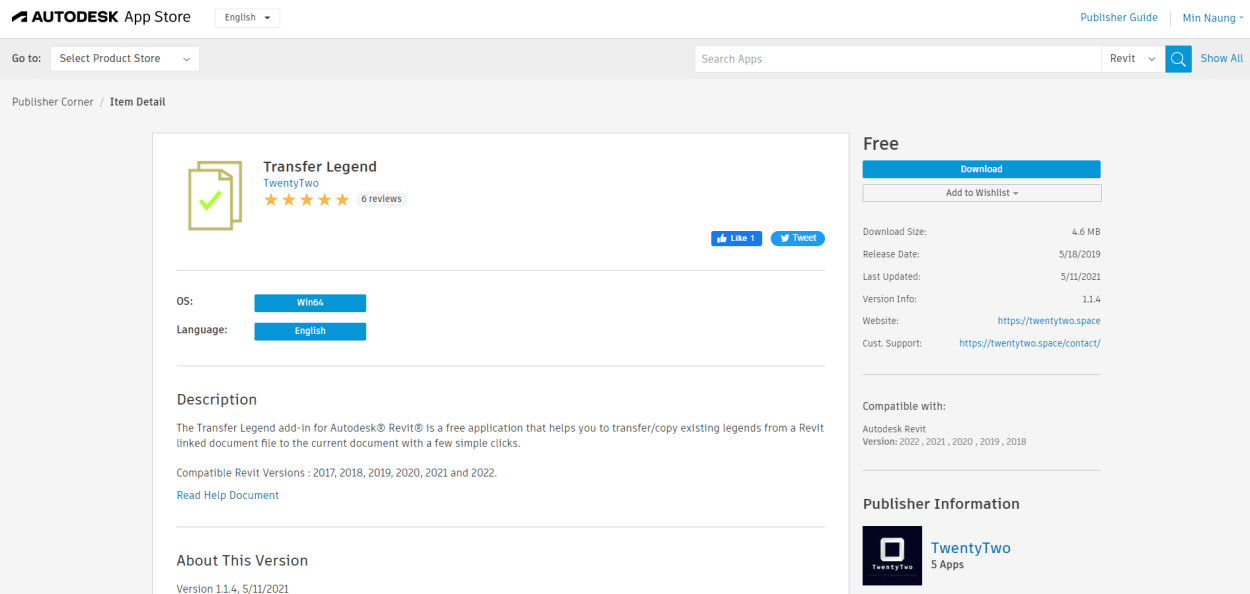
Transfer Legend Revit AddIns is a free application and helps you to transfer/copy existing legends from a Revit linked document file to the current document with a few simple clicks and compatible with all recently released Revit versions.
For Usage :
- Select a linked document from the dropdown panel.
- Select/Check the legend views from the legend views list.
- Click Ok to transfer.
(For Revit 2025) Autodesk App Store Download : https://apps.autodesk.com/RVT/en/Detail/Index?id=337066399577820762&appLang=en&os=Win64
(For Revit 2024 & Below) Installer Download : https://drive.google.com/file/d/1HywXpyQG7Mbvuoz3Zl9OoB7yCU9egi9r/view?usp=drive_link
 TwentyTwo
Hi, do you have an app that can create folders in Legends in revit?
Right now that is not possible, and annoying.
Thanks.
LikeLike
Hi Lindsay, what do you mean? You want to organize by forming groups or folders .. something like that ?
LikeLike
Yes, i would like to be able to make “folders” within Legends in the project browser.
LikeLike
I have found that if you load the “transfer legends” for 2025, you can’t use the version for the 2024/23 without unloading the 2025 version. Do you have a version that works for 2023/2024 & 2025?
LikeLike